

May 13, 2026·1 min read

Follow this guide to build custom questions for your tests in EasyEnv. You can create practical challenges, multiple-choice questions, or free-text prompts.
In the Questions step of the test creator, click the blue Add Custom Question button. This opens the modal where you will define your question.
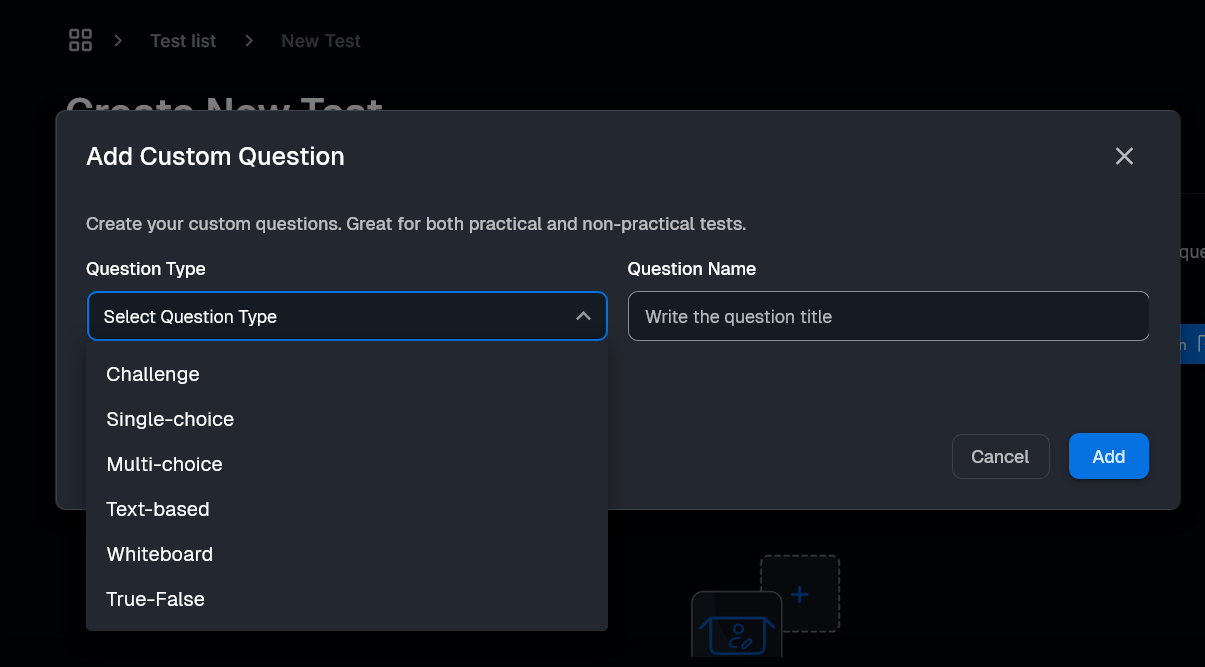
Before adding content, fill in the required fields that apply to all types:
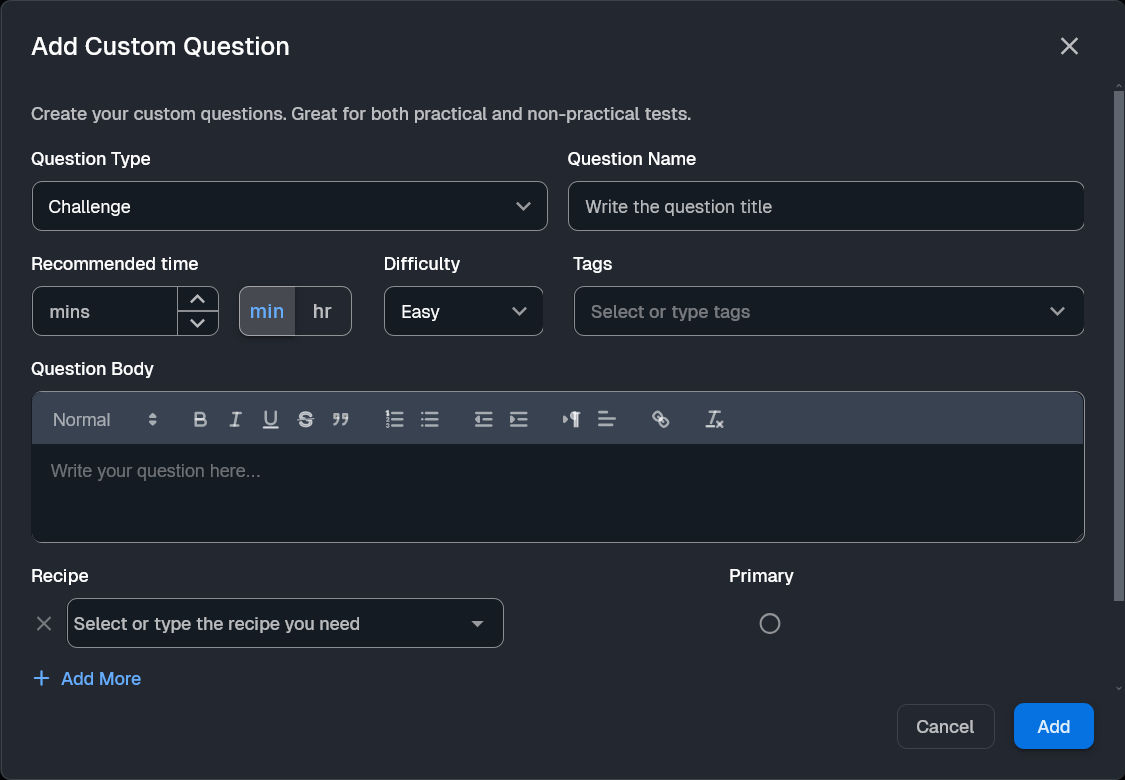
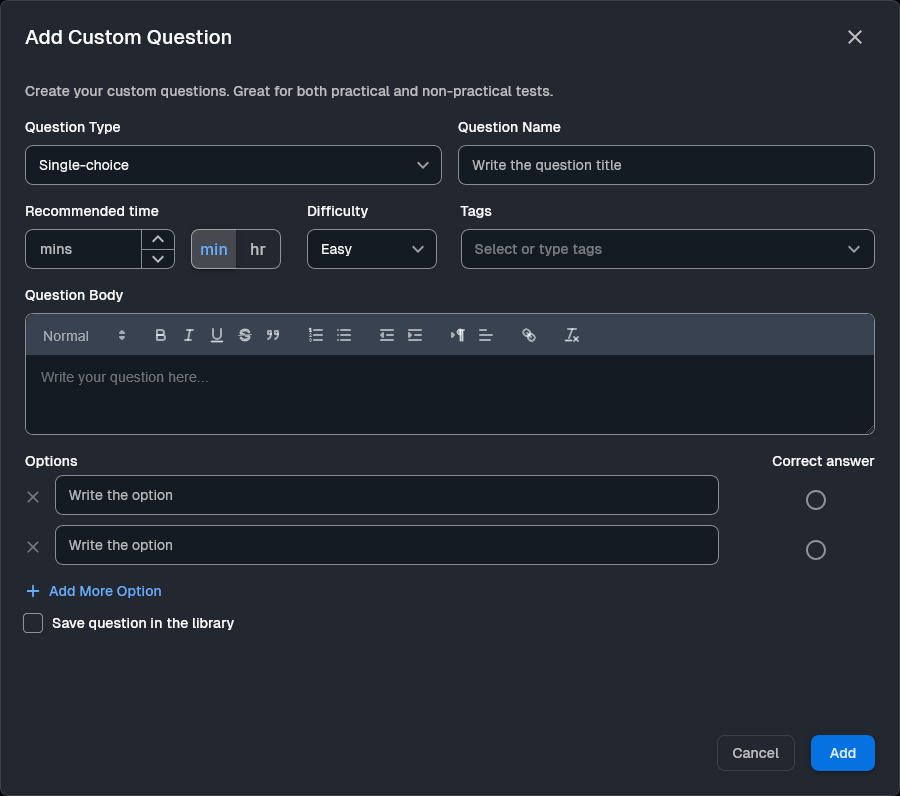
Question Name: Enter a title in the Write the question title field.
Question Type: Select a format from the dropdown menu (Challenge, Single-choice, Multi-choice, etc.).
Settings: Set the Recommended time, Difficulty (Easy, Medium, Hard), and Tags.
The Challenge type creates a live console for candidates.
Question Body: Write your instructions in the editor.
Recipe: Select the software stack from the Select or type the recipe you need dropdown.
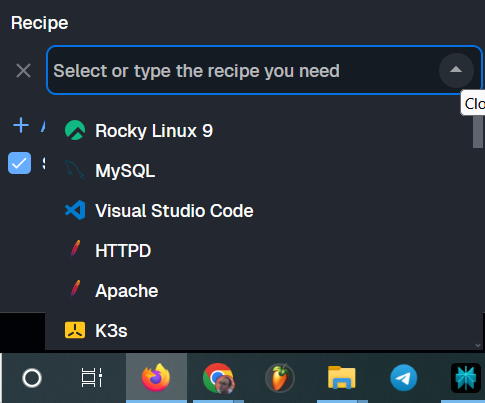
Primary: Click the Primary radio button next to the recipe that will serve as the main console.
Configure how candidates will provide their answers based on the selected type:
Single-choice & Multi-choice: Type options into the Write the option fields and mark the Correct answer radio button or checkbox.
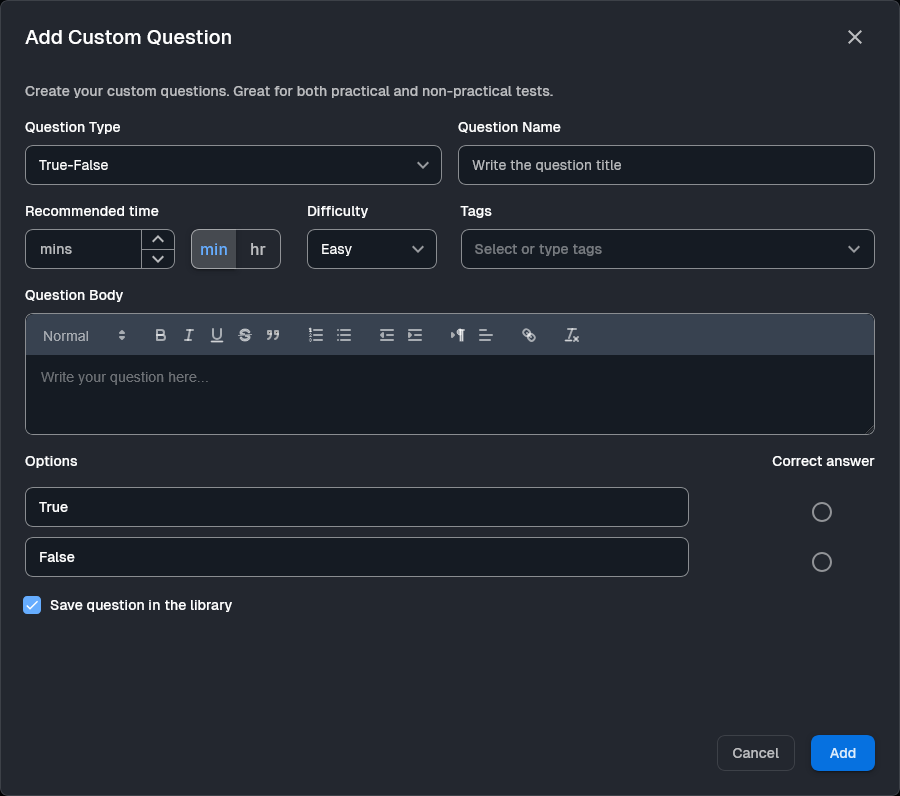
True-False: Use the pre-filled Options and mark the correct one.
Text-based & Whiteboard: Provide instructions in the Question Body for candidates to type free-text or draw diagrams.
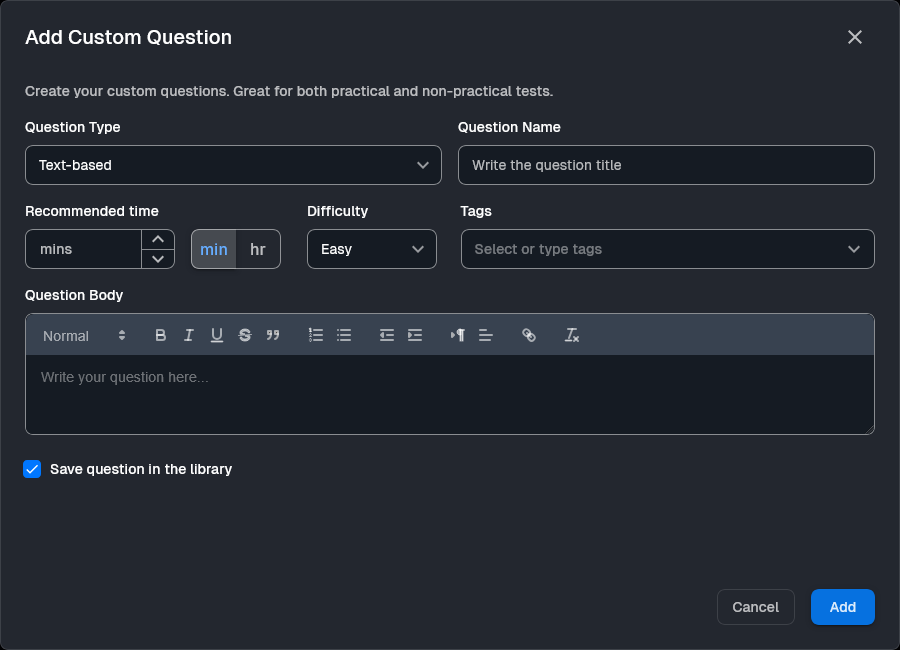
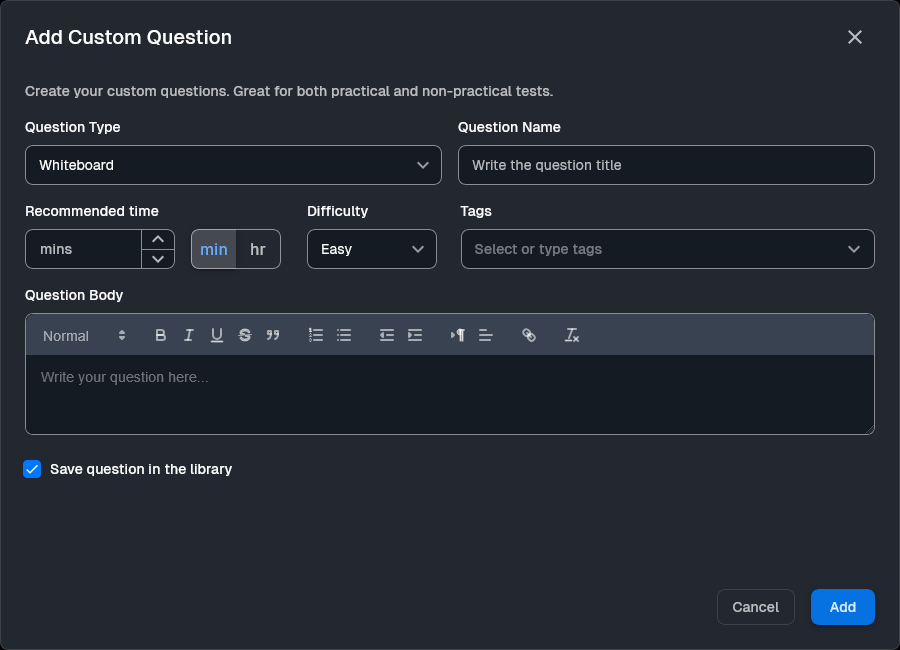
Check the Save question in the library box if you want to reuse this content later. Click the blue Add button to save the question to your test.
Run live coding sessions and take-home challenges in real production environments. Watch sessions back, score consistently, and hire with confidence.
More posts you might like
The "First-Day Trap" is the delay between hiring a specialist and getting real work done. EasyEnv closes this gap by providing a ready-to-use, standardized environment, removing the setup barrier to ensure better IT ROI from the first hour.
Ditch whiteboards for real world scenarios using EasyEnv sandboxes. Test candidates with day one tasks like hunting memory leaks and speeding up SQL queries in a zero risk environment that matches your stack. Protect your production systems while grabbing the best talent through hands on technical tests.
Read more
Move beyond memorized answers. Easyenv redefines hiring by focusing on critical thinking, soft skills, and effective AI usage to find the talent that truly matters.
Read more