
October 22, 2026·4 min read


A Workspace in EasyEnv is an ephemeral, on-demand environment where you can instantly spin up real infrastructure and tools to experiment, develop, test, or learn without installing anything locally or managing long-term resources.
Think of a workspace as a temporary playground made of building blocks called recipes. Each recipe represents a real tool or service, such as:
You can start from a pre-made template (like a CI/CD pipeline or Kubernetes lab) or customize everything yourself by combining the exact tools you need.
Whether you need a short-lived dev setup, a training lab, a demo environment, or a safe place to experiment, EasyEnv Workspaces let you focus on building and learning - not setup and cleanup.
Follow these steps to start your Ephemeral environment.
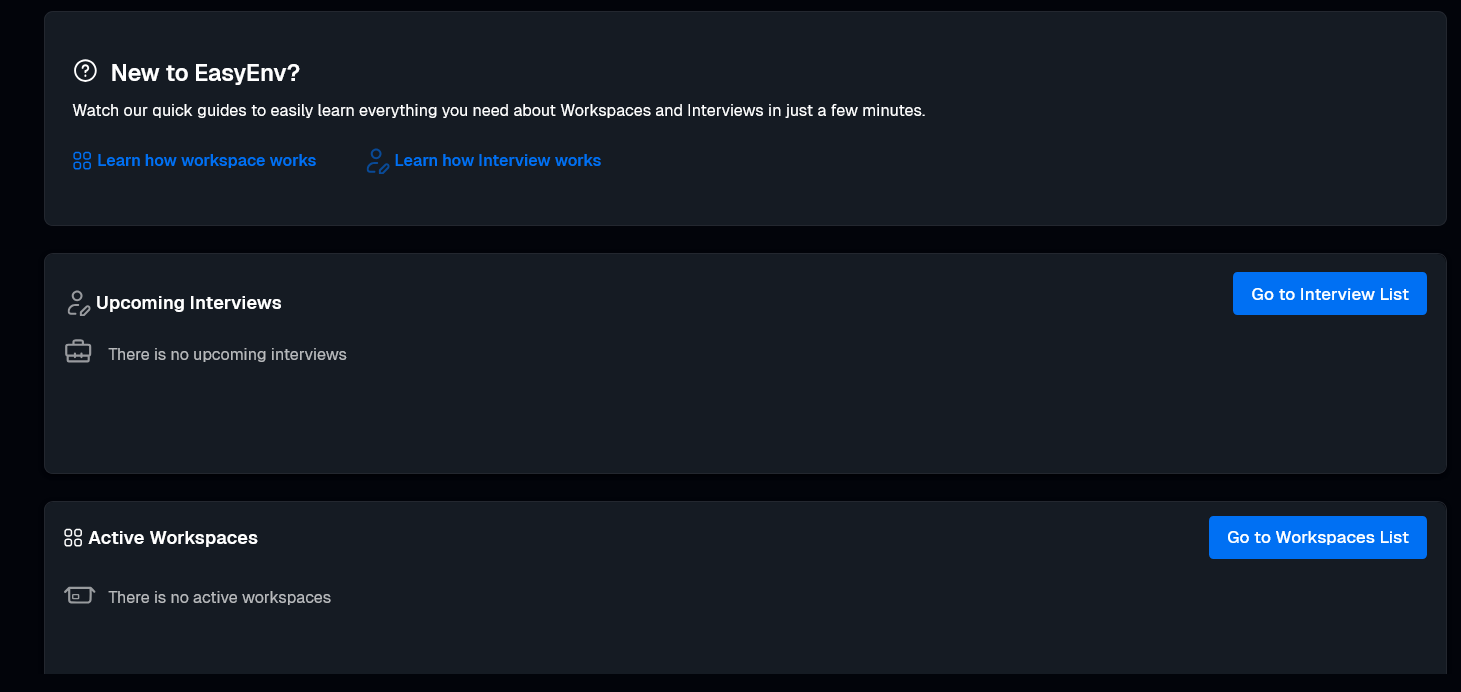
You can start in two ways:
Option A: Click the blue Go to Workspaces List button on your dashboard.
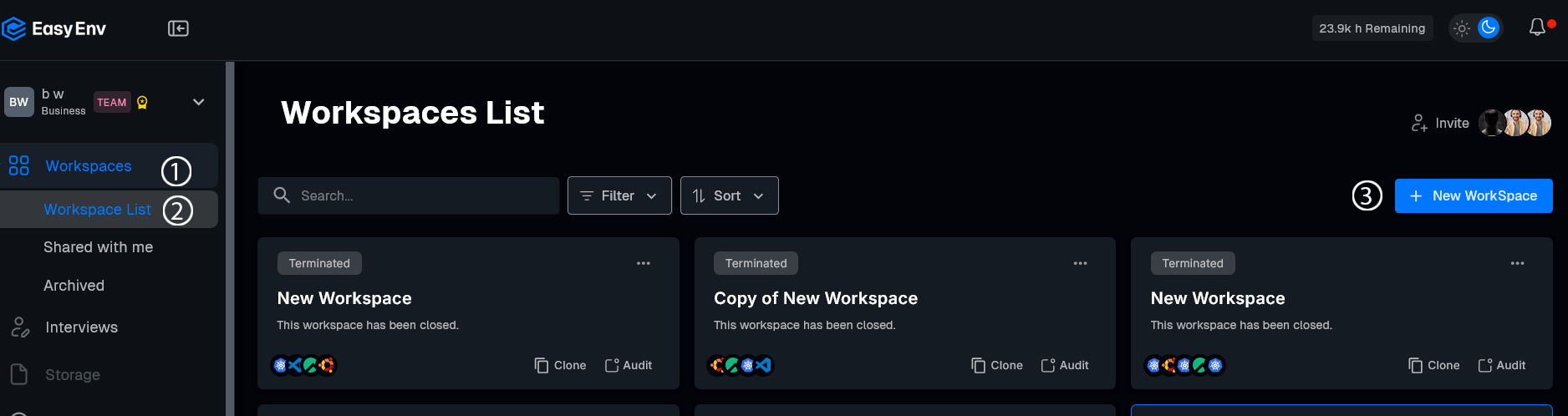
Option B: Click Workspaces (1) in the left menu, then select Workspace List (2)
Once there, click the + New Workspace (3) button.
Select a setup like CI/CD, Kubernetes Cluster, or Customize (1) to build your own.
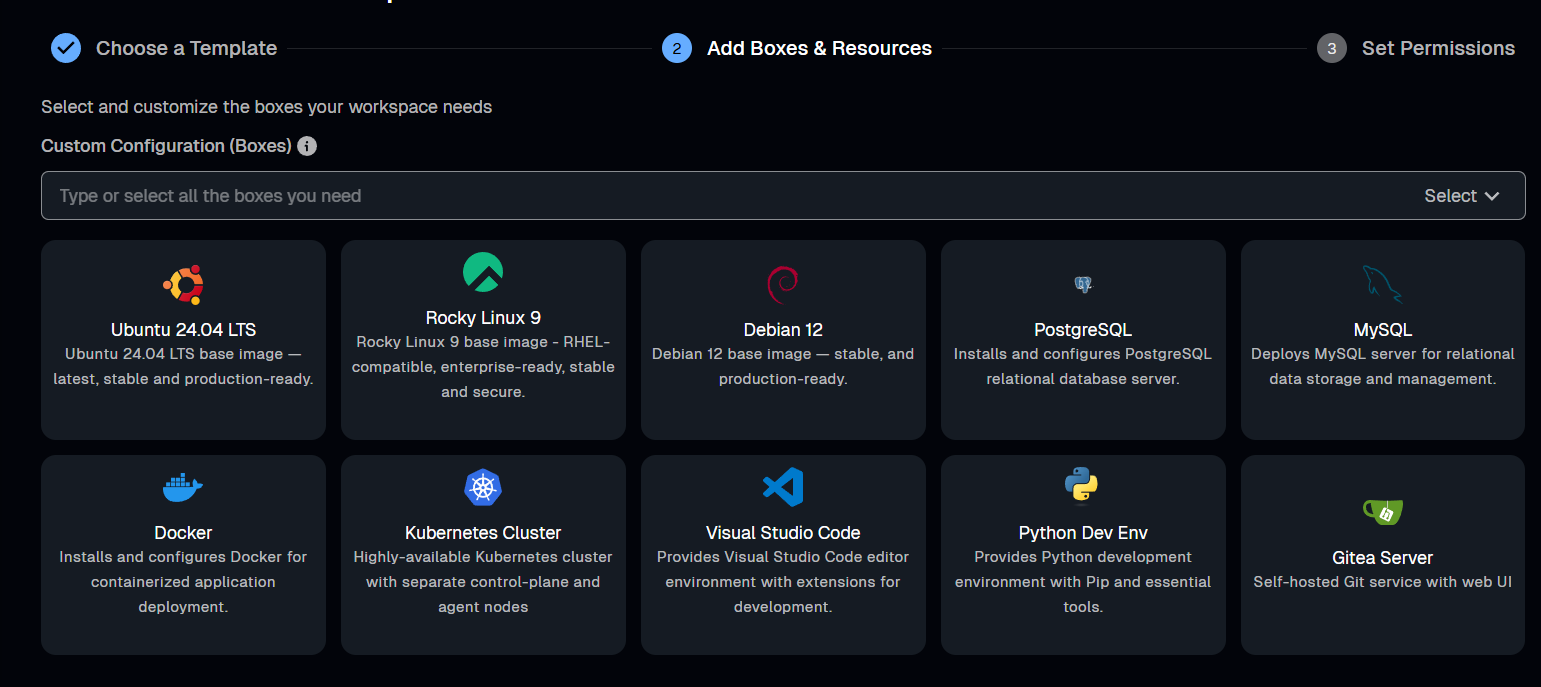
Click Add Boxes & Resources. Use the search bar to find specific tools (like "Java" or "MinIO") or check the boxes for the listed resources.
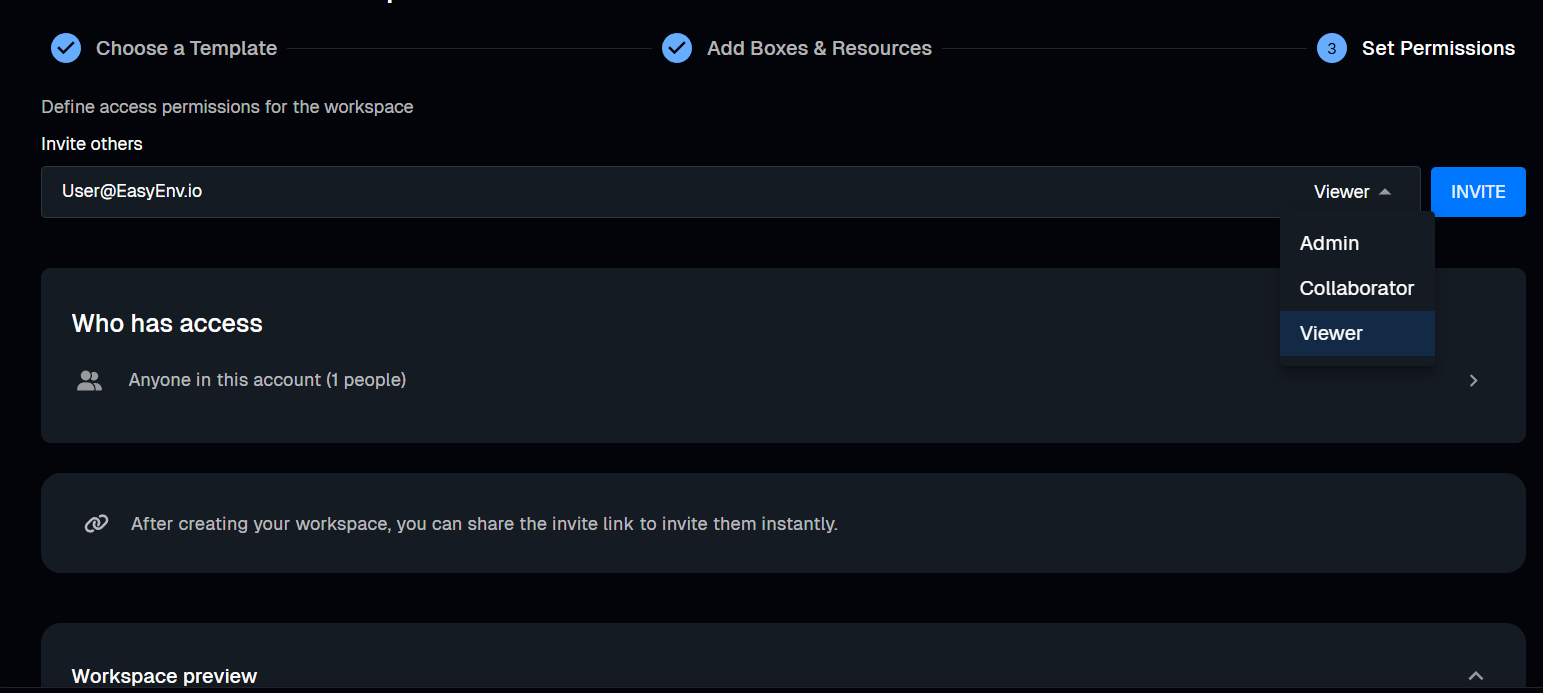
Click Set Permissions. Type an email and choose a role:
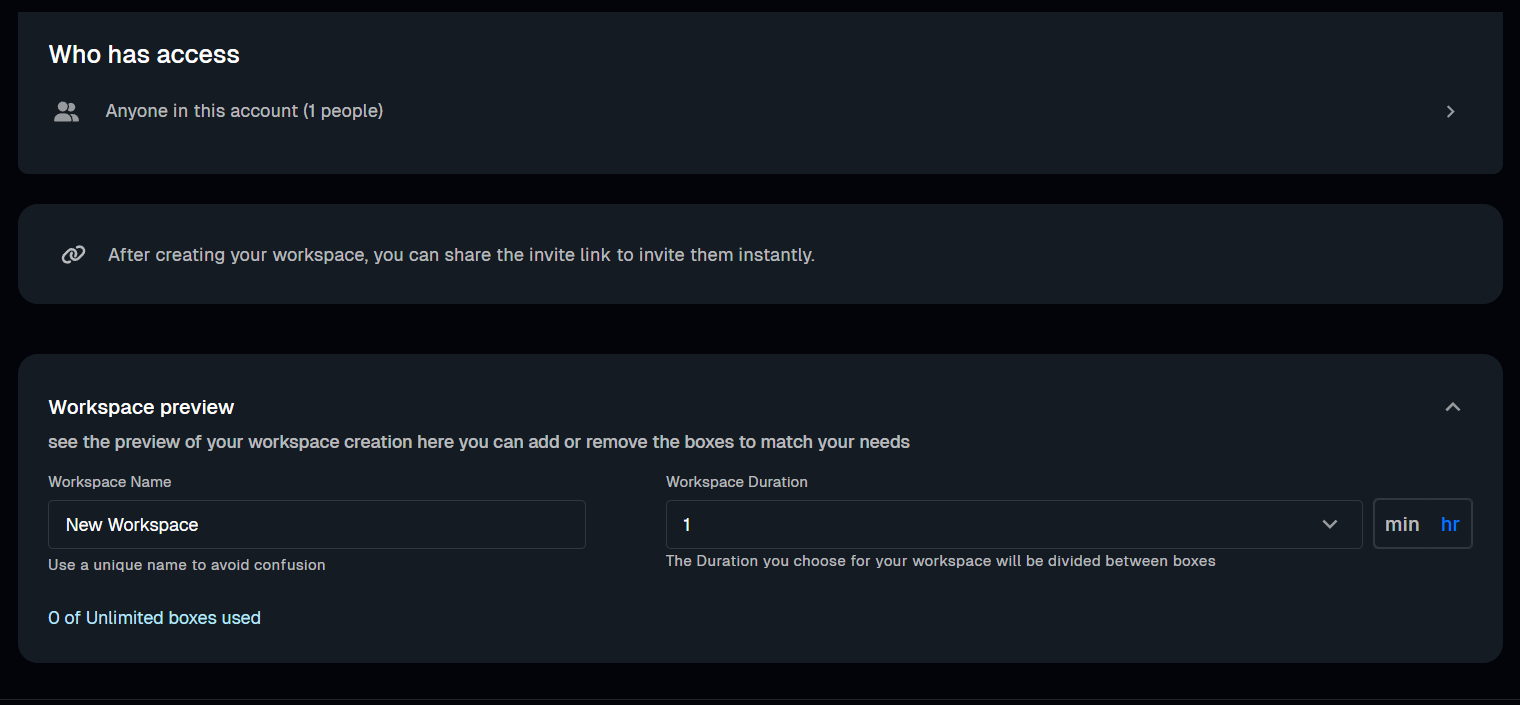
Type a Name and choose a Duration. Click Create.
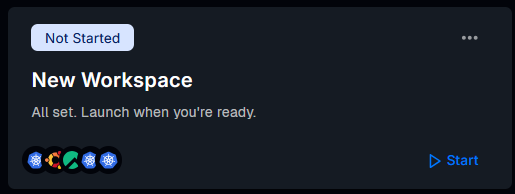
Find your Workspace and click Start (▶). When it says Running, click Console.
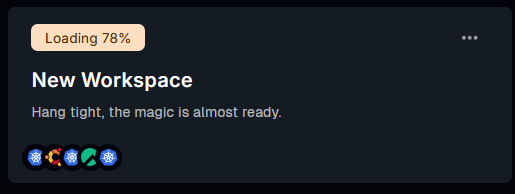
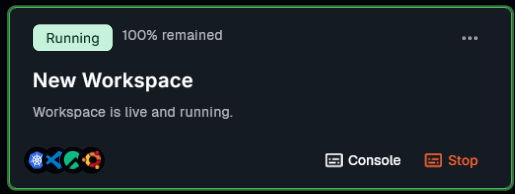
That's it! Your workspace is now ready to use
Pre-configured Linux boxes, VS Code in the browser, and shared workspaces your team can join in one click. No more "works on my machine".
More posts you might like
Slides and a shared staging cluster produce a team that still pages the one person who knows. People learn infrastructure by breaking it, which needs a cluster each. Here are five drills worth running and how to make them cheap enough to repeat.
Every engineer you hire proves they can work in a real environment. Nobody ever asks the people already there. Here is how to run an internal skills check that produces a training plan from evidence, finds your bus factor, and does not feel like an exam.
Read more
Contractors bill from day one but often cannot commit until week two, thanks to laptop setup and access sprawl. Ephemeral environments collapse that gap to an afternoon.
Read more
